
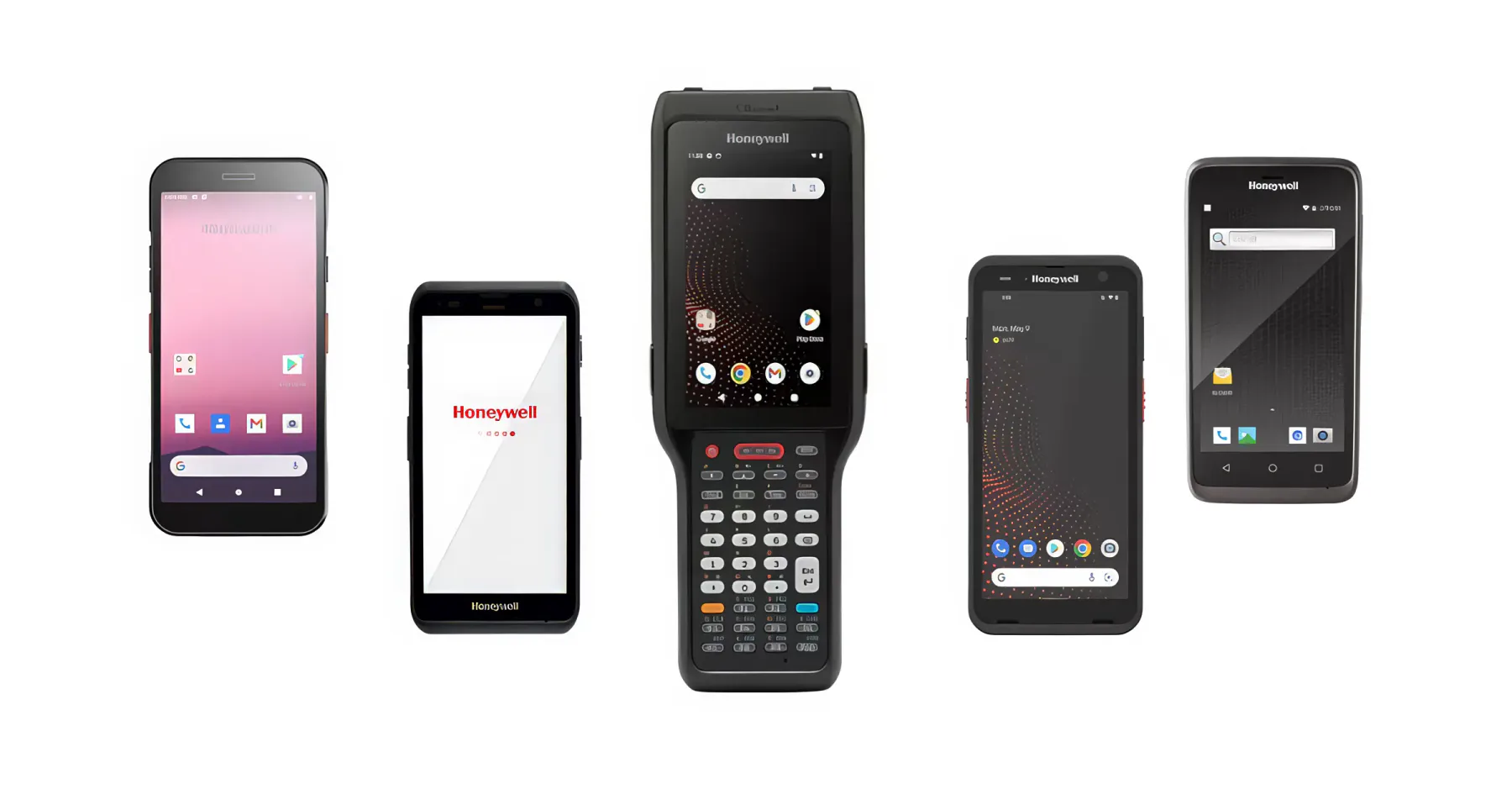
Data collection terminal (TSD): how it differs from a phone with a scanner
A TSD is not a phone with a scanner, nor just a barcode reader. We break down what types of data collection terminals exist, how they differ from a smartphone, and how to choose one for a warehouse, retail store or manufacturing floor.
A scanner in a phone is convenient. Once a day, at an everyday level: point the camera, scan, take a look. Try using the same phone to carry out a warehouse inventory: three thousand items, each one has to be found, the camera pointed at it, and recognition waited for. After half an hour your hand gets tired, after an hour the battery runs down, and by evening it turns out that the phone failed to read some of the codes at all — in some places the lighting is wrong, in others the label is crumpled.
Data collection terminals (DCTs) were invented precisely for such tasks. At first glance, a DCT is a phone with a scanner. In practice, it is a separate class of devices with its own rules: its own scanner, its own protection, its own battery, and its own software. Let's look at what the difference is and how to choose a terminal for your task.
What is a data collection terminal, anyway?
A mobile data terminal (MDT) is a mobile device that reads codes and immediately sends the data to the accounting system. Not "scanned it and wrote it down in a notebook" — but scanned it, and the stock balance in the warehouse has already been updated. The chain is simple: scanning, verification in the system, action — receiving, transfer, shipping, inventory count.
This is where the main difference from a simple scanner lies. A scanner only reads a code and passes it on somewhere. An MDT works with the application itself: it shows what the item is, how many of it there should be, and where to put it. It is a complete working tool, not a peripheral for a computer.
These terminals live where goods need not just to be seen, but processed: warehouses, manufacturing, retail, courier delivery, wholesale trade. And anywhere labeling is in use — codes on packaging have to be scanned and checked against the system constantly.
How a data collection terminal differs from a phone with a scanner
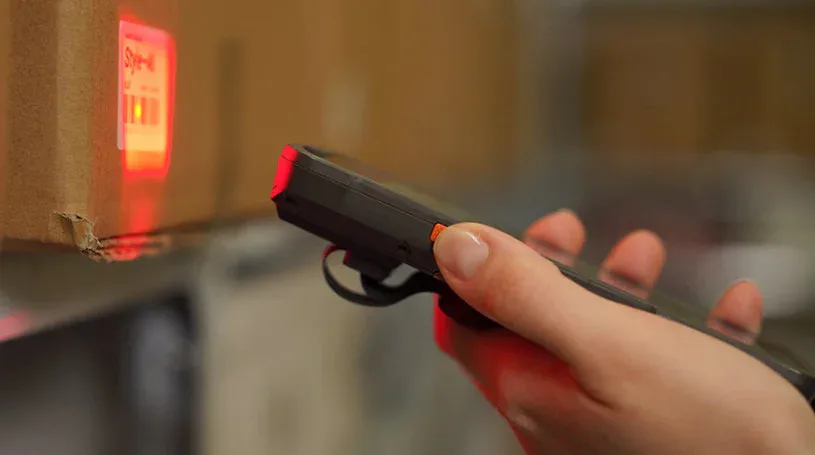
Let's break it down point by point, because this is exactly where people most often cut corners—and then are surprised.
Scanner. On a phone, the code is read by the camera: it captures an image, and the software then looks for the code in it. A mobile computer has a dedicated imager — a separate module with its own optics and illumination, built for exactly one task: reading a code. It reads in the dark, at an angle, from a moving label, from a crumpled or half-worn print. That is the difference between "let's try pointing the camera at it" and "read it on the first attempt".
Battery. A smartphone's battery is sealed in and lasts its day under normal load. A mobile computer's battery is replaceable: you work a shift, take it off, put in a charged one, and the work continues. In warehouses with shift schedules, this is not a minor detail but a requirement.
Protection. Data collection terminals get dropped. Onto concrete, from head height, several times a week. The terminal survives it — the housing, reinforced corners, a protected screen. A smartphone usually ends its career after the first such flight.
Keyboard. There are models with physical buttons — and this is not a tribute to the past. When wearing gloves, in freezing cold, in a workshop with wet hands, a touchscreen performs poorly, yet you need to enter a quantity quickly and accurately. Buttons win here fair and square.
Device fleet management. Dozens of terminals operate in a warehouse. They need to be centrally configured, updated, have applications installed, and lost devices blocked. Specialized remote management systems exist for this — a phone simply does not offer this level of control.
Three camps: what types of data collection terminals exist
All terminals are divided not by price, but by task, and confusion here costs money in exactly the same way as it does with cameras.
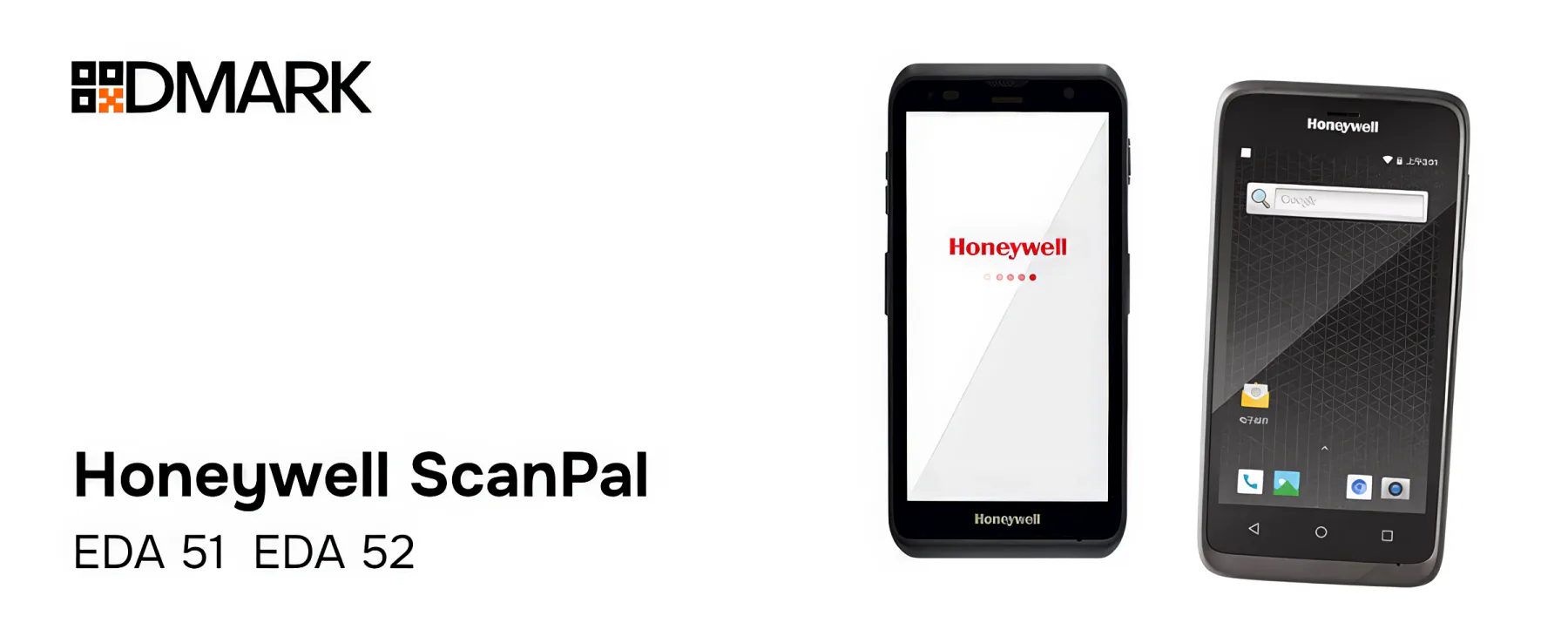
Light commercial — Honeywell ScanPal EDA51 and EDA52 in our catalog. In feel, they are closest to a smartphone: touchscreen, lightweight body, Android, but with a real barcode scanner. The EDA52, for example, comes with a screen under Gorilla Glass protection. Such terminals are chosen for places where conditions are gentle and speed of hands-on work matters: retail, receiving at a small warehouse, field couriers, sales representatives.
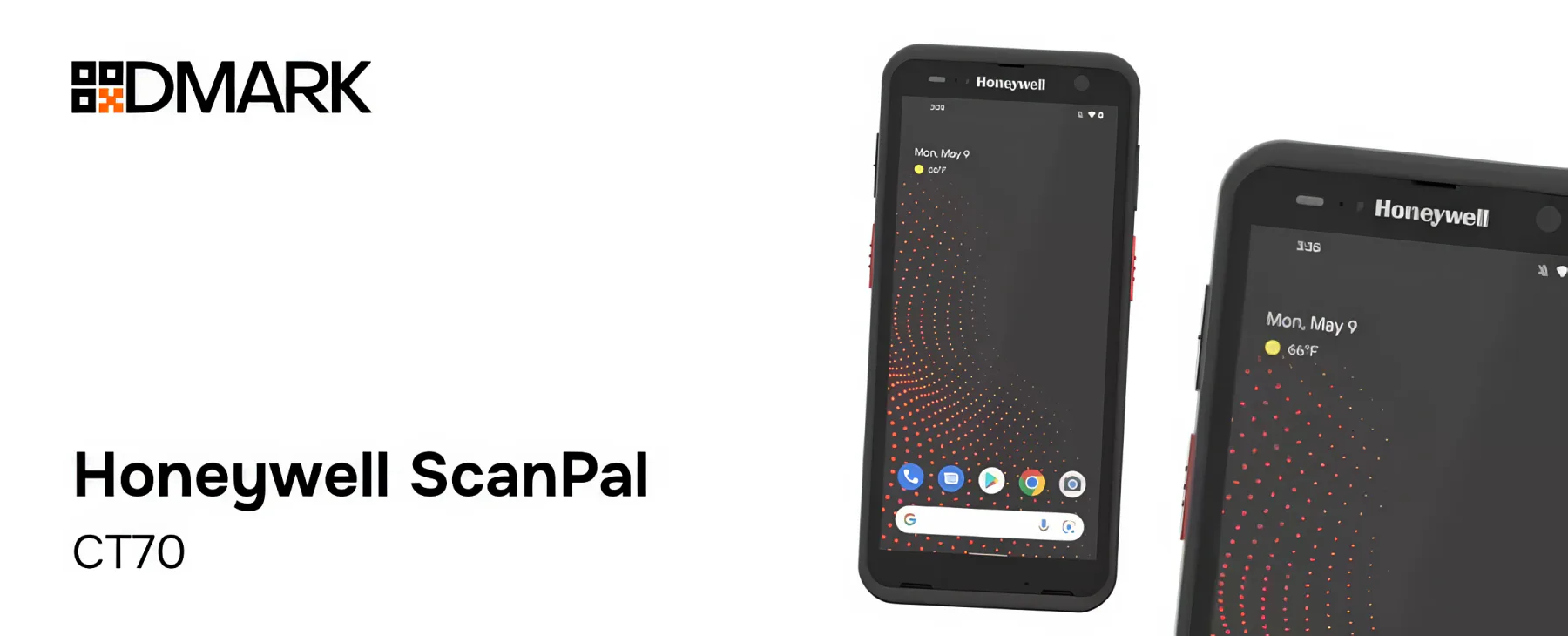
Rugged industrial — Honeywell CT70 and everything in the lineup marked as industrial. Same Android, but the body is designed to withstand drops, dust, moisture, and temperature fluctuations. This is the choice for warehouses, production areas, cold storage rooms — anywhere the device works an entire shift in harsh conditions.
With a keypad — Honeywell CK62. An ultra-rugged terminal with physical buttons on Android. It is deployed where operators work in gloves or enter data blindly: cold warehouses, large picking areas, and inventories with constant quantity entry.
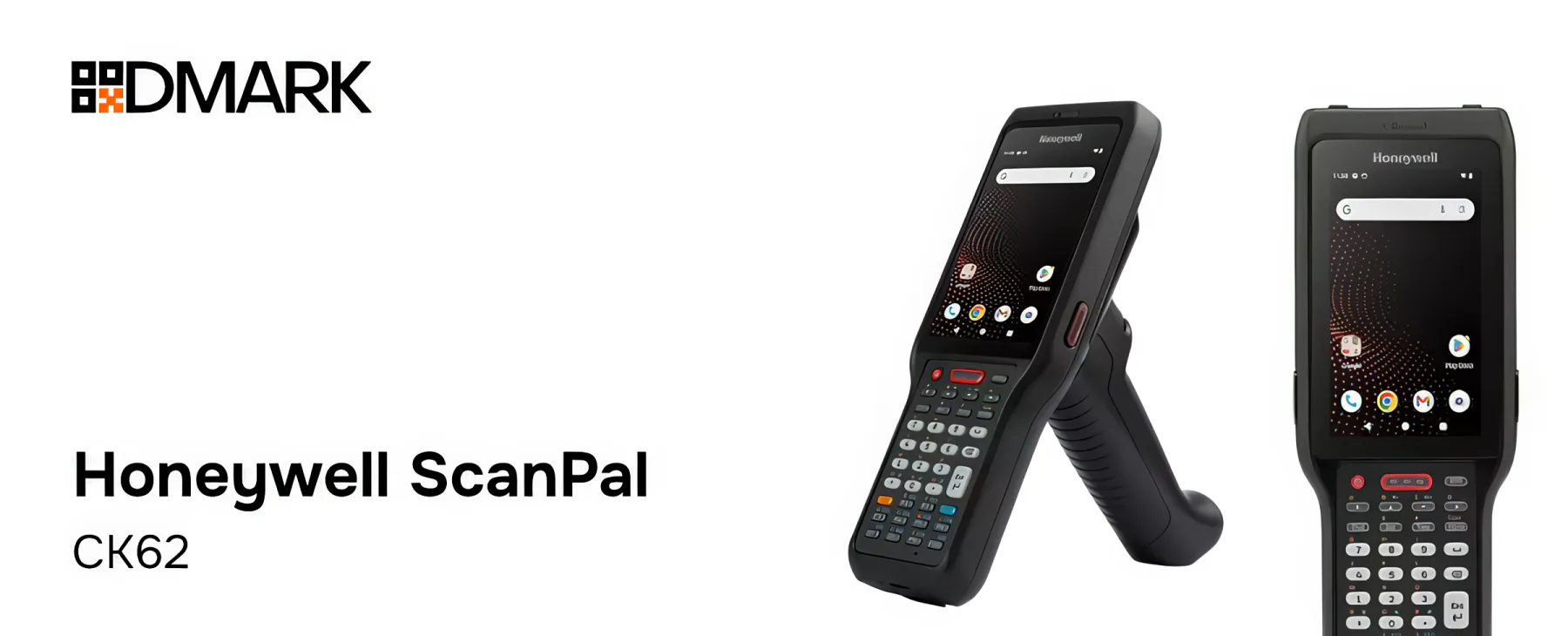
The choice between the camps is dictated by the environment, not the budget. Putting a lightweight EDA52 in a freezer or workshop means a breakdown you can count on in advance. Giving a CK62 to a courier who delivers five parcels a day is paying extra for protection that will never be needed.
"You don't choose a mobile computer by its specs, but by the place where it will have to work. Cold, gloves, a concrete floor or a soft office — that is the main specification."
The scanner: what really matters
Since the scanner is the heart of a data collection terminal, let's look at it separately.
First, one-dimensional and two-dimensional codes. The days when a scanner could read only a barcode are long gone: product marking is built on DataMatrix, and the terminal must be able to read it along with the familiar EAN/UPC codes. Plus QR — the same Kaspi QR that you come across at every turn.
Second, the reading range. In a warehouse, a code can be right in front of the device, or it can be on the top shelf of a stack. There are terminals with long-range scanners — for example, FlexRange technology in the Honeywell CT32, which reads codes both at close range and at long range, without switching modes. This saves you ladders and lifts.
Third, the quality of the printing itself. An imager scanner can pull a code out of a poor image — low contrast, partial damage, reflective film. If the codes on your packaging are not perfectly applied, this is exactly the case where the difference between a phone and a data collection terminal becomes visible to the naked eye.
Protection, battery, accessories
We've already covered protection, so let's add some detail. Rugged data collection terminals have rated levels of dust and moisture protection along with drop specifications — the exact figures depend on the model, and it's best to verify them against the specification of the specific device. A practical rule: if the terminal is headed to a warehouse with a concrete floor and stairs, only a rugged housing will do — no "we'll protect it with a case".
The battery is a separate expense item. Replaceable batteries plus a multi-slot charging dock make round-the-clock operation possible: a shift removes discharged batteries and inserts charged ones. The dock also solves another problem — the terminals stay overnight in one place instead of being scattered across pockets.
Among the useful accessories in manufacturing, wrist straps and hand loops most often help — the terminal will not fall out when working at height on racks — and protective cases for the toughest conditions.
Software and connectivity: what keeps the terminal busy all day
Modern data collection terminals run on Android, and this matters: the application for the inventory system is written for a familiar platform, not for a proprietary system with forty buttons. The operator sees a familiar interface, and training takes hours, not days.
Connectivity is the other half of the picture. In a warehouse, the terminal must continuously maintain communication with the system, moving between Wi-Fi access points without dropping the session. For field work, there are models with cellular connectivity, including support for 5G and Wi-Fi 6E — for example, the Honeywell CT32, which is designed specifically for mobile work outside the warehouse walls.
And the third is accounting software. A data collection terminal without an application is like a flashlight without batteries: beautiful but useless. In our case, it is the link to the labeling system: the terminal reads codes, verifies them against the database, and performs receiving and movements. The same logic of "variable data comes from the system" as with printing, only in reverse: printing sends the code to the packaging, while the data collection terminal returns it to the accounting system.
Proprietary software from DMARK
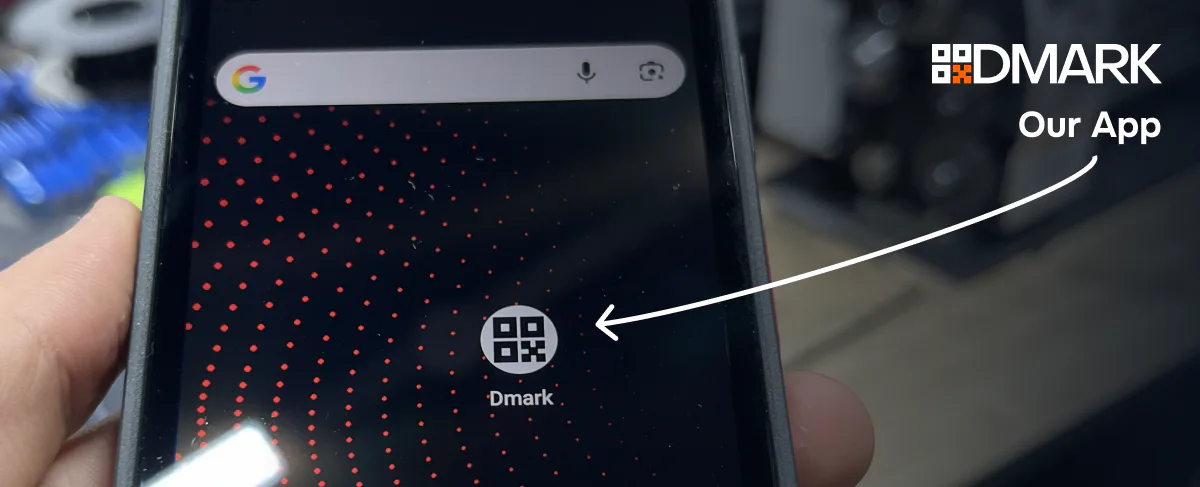
It runs on these terminals as a regular Android application: it is installed on the device, an icon appears on the home screen, and no special firmware or modifications are required. This matters from a practical standpoint: the terminal is not tied to a single solution of ours—the operator’s entire working environment lives on it, and our application takes its own place within that environment. And the operator does almost everything related to codes from the terminal: orders marking codes directly from the device, checks stock and the catalog, prints labels, builds aggregations—when product units are packed into a box or pallet and linked to a group code. The same cycle we discussed in relation to printing, only in reverse: the printer outputs the code onto the packaging, and the terminal returns it to the records and sees it through to the end—from ordering to aggregation and shipment.
Models in our catalog: how they differ
All the terminals in our catalog run Android and read DataMatrix — at a basic level, they all do the same thing. The difference isn't in "can or can't", but in where and how they'll have to work.
ScanPal EDA51 and EDA52 — brothers in the light class. Both have touchscreens, both feel closest to a smartphone, and both are designed for retail, couriers, and sales representatives. The EDA52 is the newer model: the screen is under Gorilla Glass, and for a device that gets pulled out of a pocket and set down on a counter dozens of times a day, that matters more than it might seem at first glance. The EDA51 is a proven workhorse where conditions are mild and the budget is limited. Neither model belongs in a workshop or a freezer — the housing isn't built for it.
CT32 — a terminal for field work, and it stands apart. On one hand, it is also touchscreen-based and looks like a smartphone. On the other, it can do what EDA models cannot: it supports cellular connectivity, including 5G, supports Wi-Fi 6E, and the FlexRange scanner reads codes both up close and from a distance, without switching modes. This is the choice for sales representatives, high-volume couriers, inventory counts on high shelving — anywhere the code is visible but there is no way to get close to it.
CK62 — a different beast. An ultra-rugged body and a physical keyboard instead of a single touchscreen. It looks archaic until you try working in gloves at minus twenty: entering a quantity without taking off your mittens — that is exactly what it is for. It is deployed in cold rooms, large warehouses with constant data entry, and production areas.
The ScanPal CT70-based line — rugged terminals that try to combine the incompatible: protection against drops, dust, and moisture with a familiar touchscreen. When an operator needs a proper screen but has to work in harsh conditions, this is the compromise between the CK62 and the EDA models.
The general line between them is easy to draw: from the EDA51 to the CK62, protection increases and "smartphone-ness" decreases, while the CT32 stands apart — its forte is not protection but read range and connectivity. That is why the same task — "scan codes in the warehouse" — can be handled by two completely different models, and both will be the right answer. The difference will surface in the second week of use: when it turns out that the operator needs a physical keyboard, or that the codes are being read from the top shelf rather than from hand.
How to choose — a simple cheat sheet
Retail, courier delivery, sales representatives, gentle conditions — the lightweight ScanPal EDA51 or EDA52 terminals. Speed of hand is more important than protection.
Warehouse, manufacturing, cold storage rooms, concrete and drops — rugged industrial models, in our catalog this is the lineup based on the ScanPal CT70.
Working in gloves, constant quantity entry, freezing temperatures — a terminal with a physical keypad, the Honeywell CK62.
Tall shelving units, stacks, codes at a distance — a terminal with a long-range scanner, such as the CT32 with FlexRange technology.
What DMARK offers
Our catalog features Honeywell terminals: the lightweight ScanPal EDA51 and EDA52, the rugged CT32, the ultra-rugged CK62 with a keypad, and industrial data collection terminals built on the ScanPal CT70. We don't just pick a model from a table — we assemble the whole package: the terminal, charging stations, software to fit your inventory system, and configuration for your warehouse or production processes.
The approach is the same as with all other equipment: first we look at how your work is organized — where codes are scanned, under what conditions, who works with the device and for how many shifts — and only then do we propose a configuration. We don’t change the process for the sake of the equipment — we configure the equipment to fit the process.
Not sure which terminal you need? Tell us about your working conditions — what kind of warehouse it is, who the operator is, which codes we read — and we will select a model for your shift.