
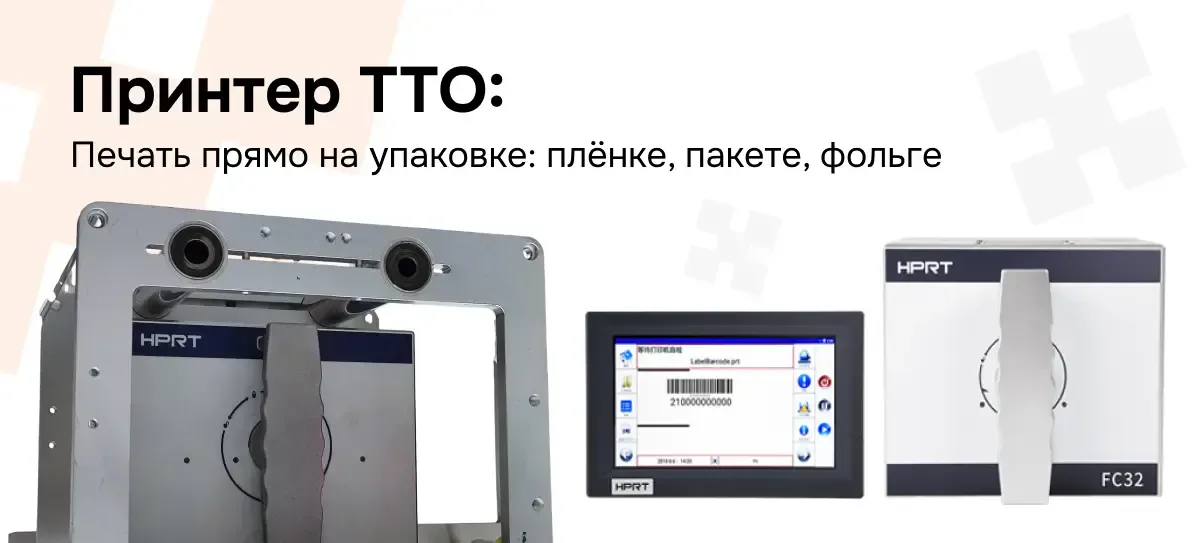
TTO Printer: How Printing Directly on Packaging Works and When You Can't Do Without It
A label on film doesn't hold up well: it bends, peels off, and rubs away. We break down TTO printers — devices that print dates, batch numbers, and codes directly onto film in the flow of a packaging line.
There is a simple way to kill the code on a package — stick a label on it. Film does not hold adhesive well: it bends, wrinkles, stretches, and on a chilled product it also gets covered in condensation. The sticker will find a moment to peel off exactly when that is the worst possible outcome.
Almost every other technologist has probably heard about a faded date and a worn-off barcode on flexible packaging. On a box or a jar, a label lives just fine, but on a bag, a flow pack, and foil its lifespan is unpredictable. Hence the conclusion that everyone reaches in different ways but ultimately arrives at the same one: you need to print not on paper that will later be glued on, but directly onto the film itself.
That is exactly how a TTO printer works. Let's break down what this machine is, how it fits into a packaging line, and when you simply can't do without it.
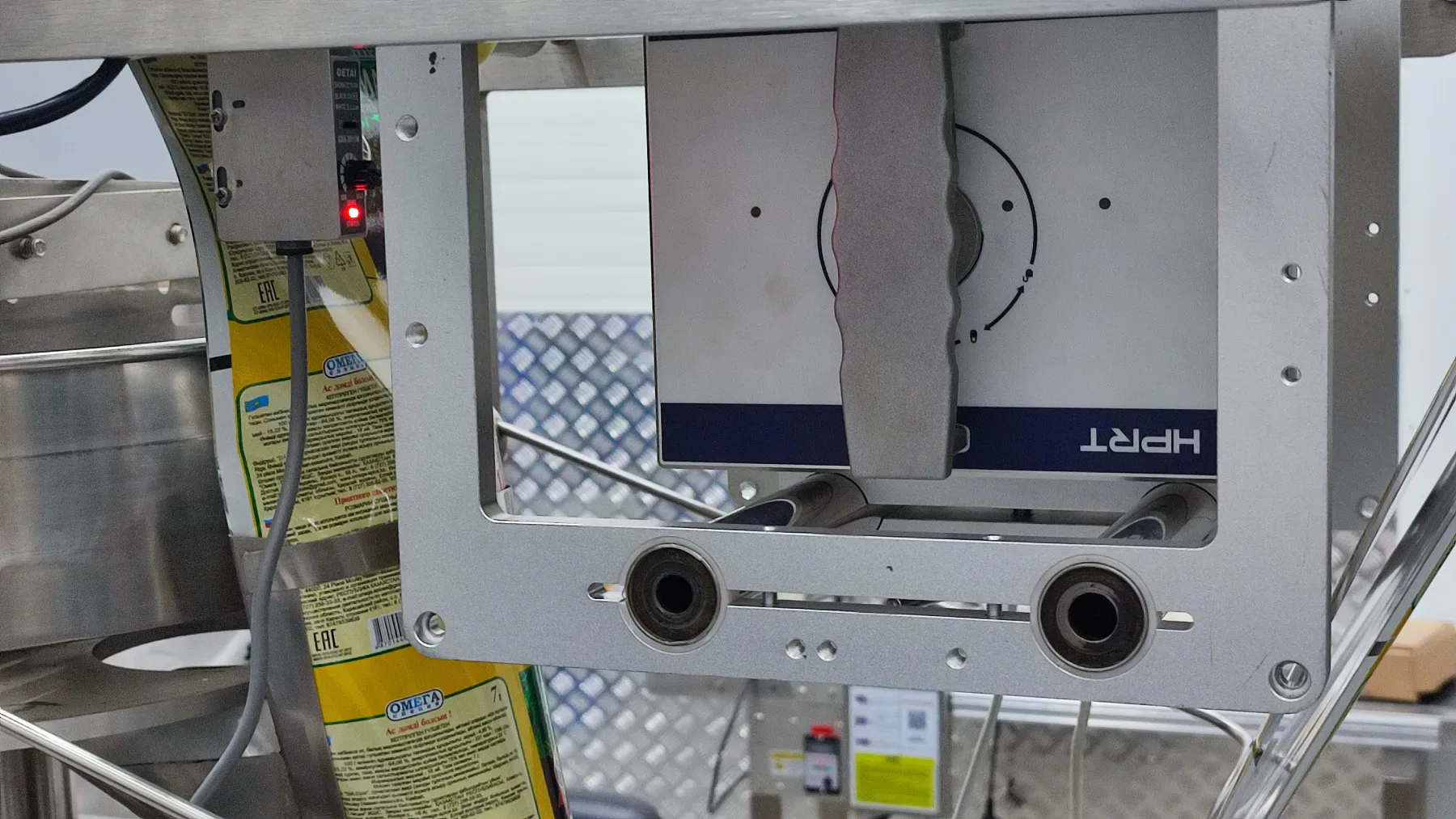
What TTO Is and Where It Lives
TTO stands for Thermal Transfer Overprinter. Simply put, the device doesn't print on a label — it prints directly onto the packaging material itself: film, pouches, foil — and it does so at the moment the package is being formed on the line.
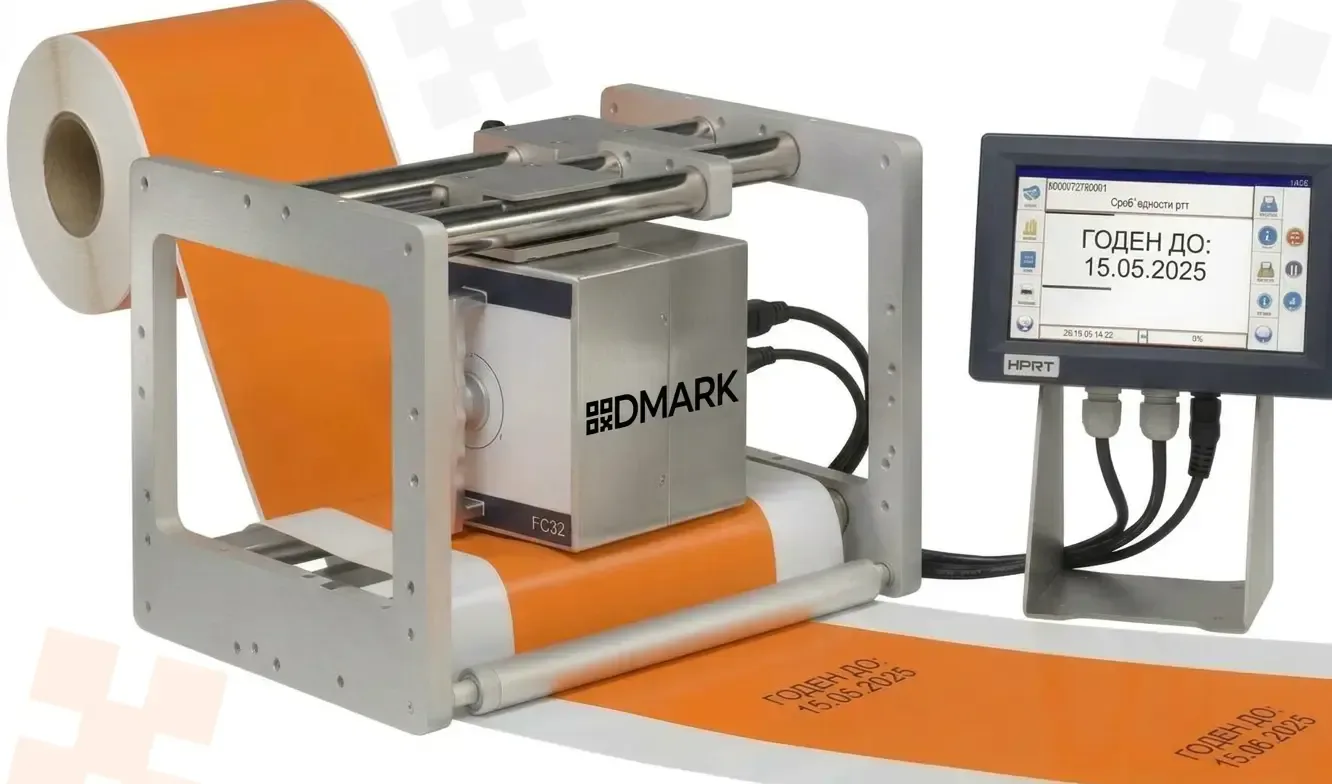
In previous articles, we examined a different chain: the printer prints a label, and the applicator glues it onto the product. TTO removes the label itself from the chain: ink from the ribbon is transferred directly onto the film. No backing, no adhesive, no second operation.
TTO lives wherever packaging is flexible: vertical and horizontal packaging machines, filling of loose and liquid products, freezing, bars, cereals, dairy, oils. Bags, flow packs, cartons — all of it is printed by TTO right in the production flow.
How it works: the head, the ribbon and two modes
The principle is familiar to you from the article on thermal transfer — the physics is the same. The print head presses a ribbon — a tape with an ink layer — against the material. The head heats individual dots, the ink transfers from the ribbon onto the film, and the dots form a date, number, barcode or logo.
The difference from a label printer is not in the mechanics, but in the moment of printing. Labels can be printed in advance, even in whole rolls. TTO prints at the moment of packaging, when the film is already moving through the machine, and the task is to keep pace with the line's movement.
This gives rise to two operating modes, and each has its own mechanics.
Intermittent — the film stops for an instant, the printhead presses against the material, prints, retracts, and the line moves on. This is how machines that form the bag in steps operate.
Continuous — the film moves without stopping, the printhead remains stationary, and printing is synchronized with the web speed. The film speed is read by an encoder or synchronizer, and the printhead "tracks" the image precisely along the movement. This is how high-speed lines operate.
The required mode is dictated by the packaging machine, not by preference. That is why a TTO printer is always selected to match a specific machine.
To give a sense of scale: according to the documentation, the HPRT EFC53 has a print width of up to 53 mm, a resolution of 300 dpi, a speed of 50–400 mm/s, a print area of 53×55 mm in intermittent mode and 53×100 mm in continuous mode. Other HPRT and iDPRT models have their own figures, but the scale is similar.
What Gets Printed: Variable Data
This is the most interesting part, and it is the whole reason everything was set up. Packaging almost always needs data that changes from batch to batch, or even from pack to pack: the production date, the expiration date, the batch number, the serial number. Plus a barcode, a DataMatrix code, and the manufacturer's logo.
A label printer with variable data can handle this too — but on flexible packaging, a label is at a disadvantage by definition. TTO, by contrast, prints this data directly onto the film at the very moment the bag is being formed.
The marking code is a separate matter. The DataMatrix with GTIN and serial number, which we covered in detail in our article about codes, is also printed onto the film via TTO. This is important for the categories that are subject to marking in Kazakhstan: if a product is packed in flexible packaging, the code must appear on it right away, not as a separate sticker on top.
And here printing does not work on its own — the data comes from the system. The printer receives a job: what to print and where. In conjunction with our software, it looks like this: in the template editor, a layout is assembled — text, date, code — a database of codes from the labeling system is linked to it, and dynamic fields are populated: serial number, batch, production date, expiration date. Then the job goes to the printer, and the line prints each package with its own code.
Ribbon and material: specific rules for film
We have already covered ribbons — wax, wax-resin, resin — and the overall logic is the same: the harsher the conditions, the harsher the formulation. But TTO has its own conditions, and they are tougher than those of a label.
Printing is applied to a smooth film: polyethylene, polypropylene, polyester, nylon, foil laminates. Such surfaces absorb almost no ink — it sits on top and is easily rubbed off by friction. On top of that, condensation can form on a cold product, and the film rubs against the guide rails and against neighbouring packs in the shipping carton.
That is why, in practice, resin or wax-resin ribbons are almost always used for TTO. A wax ribbon on film is almost always a mistake: it is cheap, but it adheres poorly to smooth material and wears off during transport. This is a case where saving on the ribbon comes back as a claim a month later.
"A ribbon for TTO is chosen not by price but by surface. Smooth film almost always requires resin — otherwise the code will survive exactly one shipment."
How it connects to the line
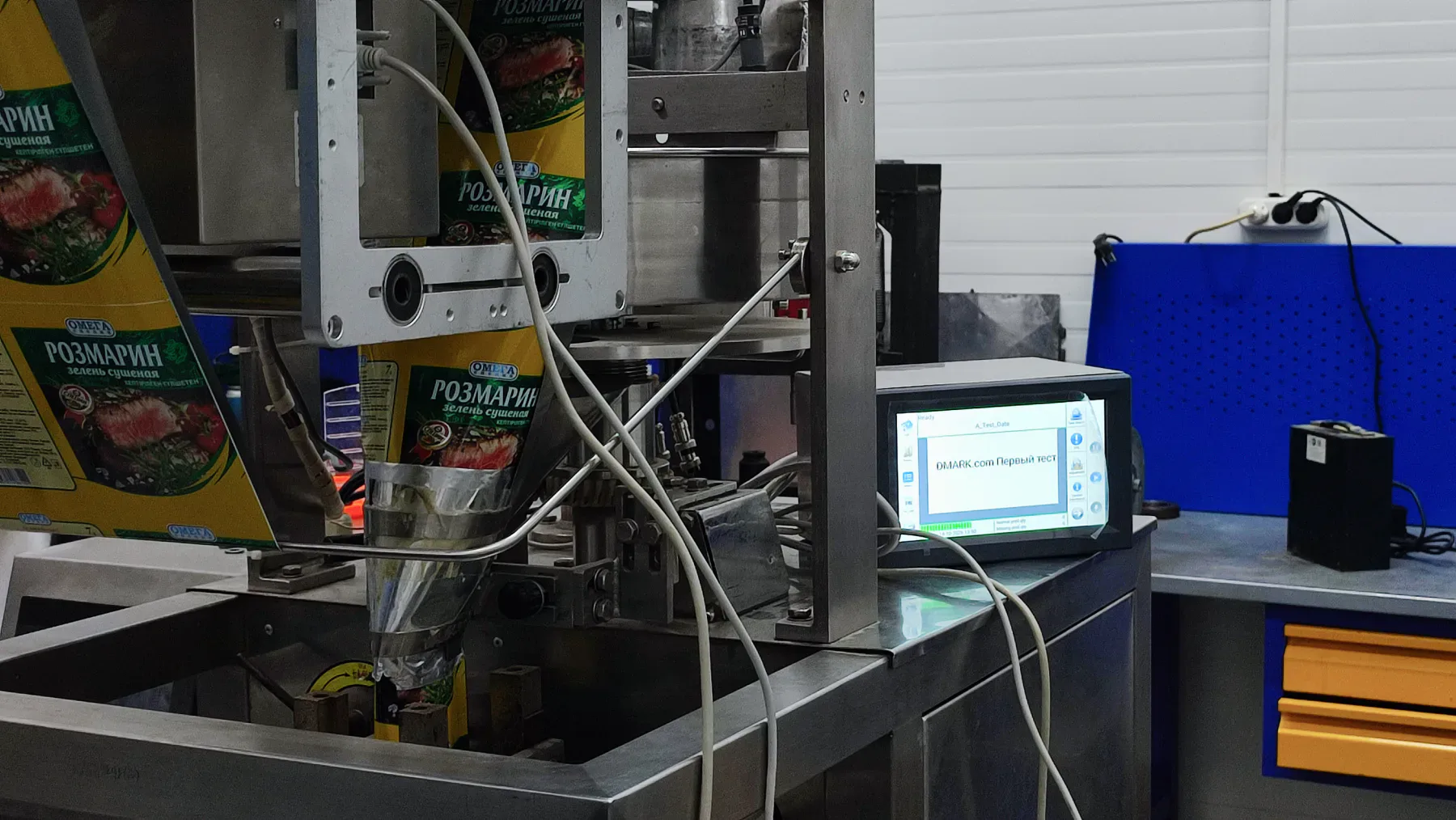
A TTO printer is not a standalone desktop device but part of a packaging machine, and it is integrated into the setup. It receives a “packaging in motion” signal, synchronizes printing with the film speed via an encoder, and sends its status back to the line: printing, ready, error, warning. Industrial models have discrete inputs and outputs and network interfaces for this purpose — the packaging machine and the accounting system must understand each other.
Templates and jobs are a separate mechanism. The print layout is assembled in the template editor, and the data source is linked there as well: a code database, variable fields. A job is loaded into the printer over the network or from storage, and when changing products the operator simply selects the required job on the screen. There is no need to change the physical setup of the line — reconfiguration happens at the template level.
All of this is selected individually: what packaging machine you have, what mode it operates in, and where the data comes from. These details are discussed for a specific line and are not settled in advance on paper.
How to choose — a simple cheat sheet
The packaging is flexible — film, pouch, flow pack, foil laminate — so you need a TTO. A label won't help you here.
Each package carries its own data: date, batch, serial number, marking code — a TTO connected to the tracking system, printing right in the production flow.
The data is the same for the whole batch, while the packaging is rigid — a box, a can, a bottle — that is the subject of previous articles: the label printer and applicator, which have their own logic.
A tricky surface — foil, laminate, a cold product, condensation — check which ribbon and which settings will suit your material. There is no definitive answer on paper here; you need a test on your own film.
What DMARK offers
Our lineup includes HPRT and iDPRT TTO printers — from compact solutions for small packaging machines to industrial models with high speed and support for both printing modes. We select not only the printer itself but the entire setup: print templates, connection to the marking system, job transfer, and consumables matched to your material.
The approach is the same as with all our other equipment: first we look at your line and what is already running on it, and only then do we propose a configuration. We do not change the production process for the sake of the equipment — we configure the equipment to fit the process.
Not sure whether TTO will suit your packaging? Bring samples of your film and product — in the lab we will see how the printing applies to your material and select the ribbon and settings for your specific line.